

HTML
Special Achievement Report
Generates consulting-grade achievement reports using 9 methodologies in a single Claude skill.
xxxd666/special-achievement-report · Basic registry entry
License: MIT
View details & prompt → Special Achievement ReportPPT Skills for AI Agents
Find presentation Skills for AI Agents, plus slide frameworks and templates. Compare 227 entries by PPTX or HTML output, documented capabilities and setup requirements, then follow the matching installation guide.
Each project runs in its own supported environment. This directory prepares your choice and brief.
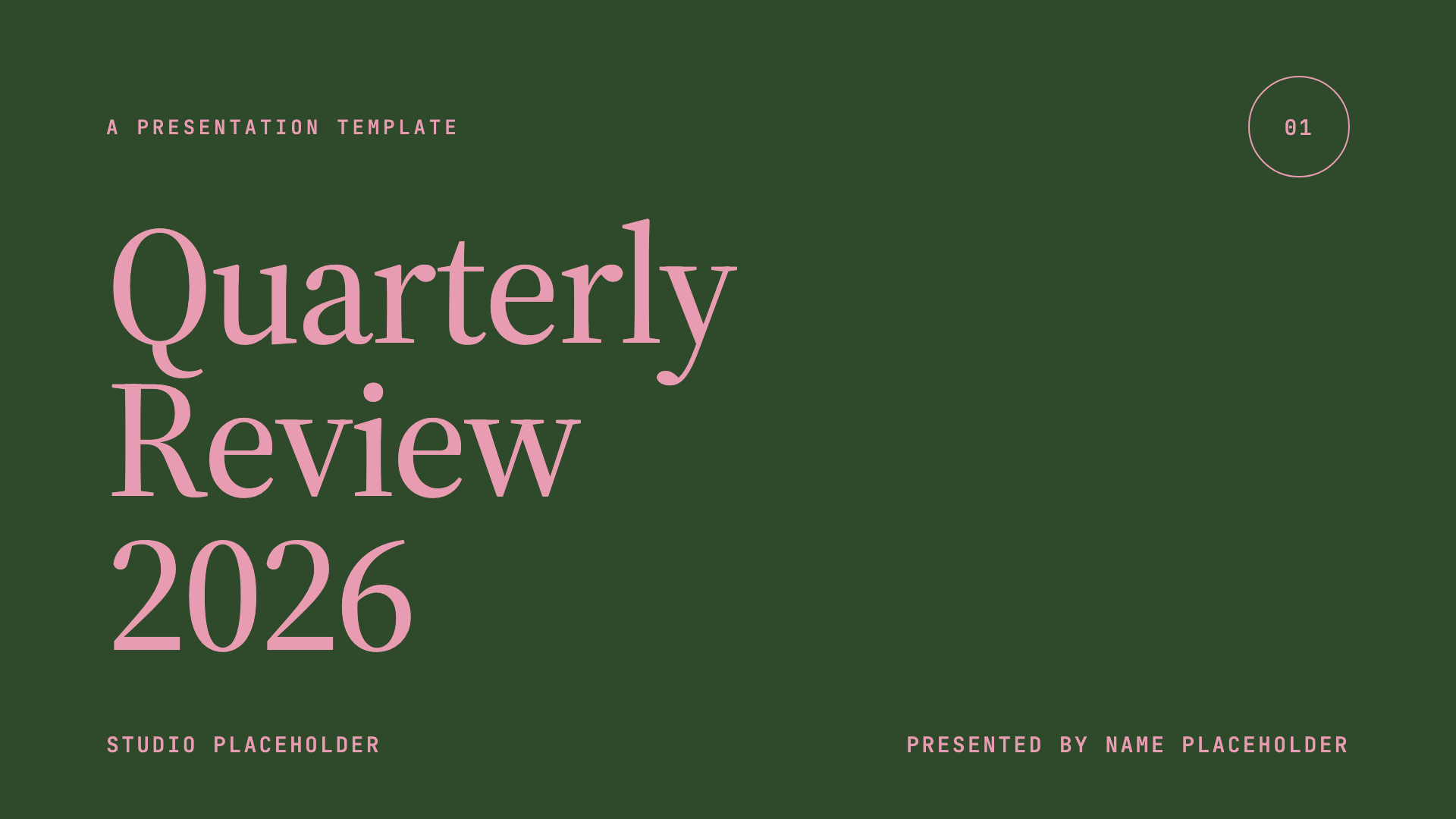
Frontend Slides · Editorial Forest
A template reference by Zara Zhang from the optional beautiful-html-templates pack. These are upstream preview images, not a deck generated by this website. Placeholder text and figures are illustrative.
Explore the directory
Need an editable PowerPoint, or a deck you can present in a browser? Start with the handoff, then check the individual project.
New to Agent workflows? Check setup readiness →. For an HTML first project, follow the Frontend Slides tutorial →. For native PowerPoint, use the PPT Master installation guide →. Compare editable decks, technical talks and other use cases → before choosing a project.
All entries in the registry.
Generates consulting-grade achievement reports using 9 methodologies in a single Claude skill.
xxxd666/special-achievement-report · Basic registry entry
Creates static HTML slides for academic contexts: thesis defenses, progress reports, and conference talks.
w1ndys/html-ppt-academic-skill · Basic registry entry
Converts documents into HTML presentation videos with Chinese voiceover and subtitles.
juguang/html-ppt-video-skill · Basic registry entry
Fills a user-supplied PPTX template with AI-generated content while preserving the original layout.
xiongwenhao112/ppt-template-fill · Basic registry entry
Builds presentations end-to-end with 17 visual styles, outputting either HTML or an exported PPTX.
skychentian/ai-ppt-skill · Basic registry entry
SVG-to-PowerPoint workflow with documented downstream export options; test unsupported SVG features and object editability.
JamieJustTang/svg2pptx-skill · Basic registry entry
Creates animation-rich HTML presentations from scratch or converts PowerPoint files, with 88 layout presets and 34 templates.
dreamid27/frontend-slides · Basic registry entry
Converts Markdown or text documents into Claude-styled slides in HTML or PPTX format.
reskfa/skill_doc2ppt · Basic registry entry
Generates PPTX presentations for economics, finance, and empirical research papers, with interactive prompts for page count, word count, and style.
jialiruo-png/economics-empirical-ppt-skill · Basic registry entry
Generates static .pptx decks from content using storytelling and instructional design principles.
vedraut/slidesage · Basic registry entry
Provides a 15-slide blue academic PPT template for USTC with navigation links and a LaTeX pipeline.
zsc58/ustc-ppt-template · Basic registry entry
Two Anthropic-style Skills that plan, author, and export PowerPoint decks from HTML.
JunfengRan/PPTWork · Basic registry entry
Repository statistics: September 4, 2026. Stars are a dated popularity signal; collection stars can cover multiple tools.
Selected entry · External workflow
A skill that runs a visual-style PPT generation workflow.
These labels adapt the registry’s document review, rather than an execution test. Confirm them in the current project docs.Read the capability evidence snapshot ↗
Requirements: check the project’s current setup guide.
Repository link checked October 18, 2026: public URL responded successfully. This does not verify execution.
Use the project's current README and installation guide. The registry's recorded method may need additional checkout, dependency or Agent-specific steps. Open the source setup instructions ↗
Prepare a brief to use in your chosen Agent. Copying it does not install or run a project.
Use two or three representative pages. Try changing a title, a data label and a diagram in the final application. Then check sources, fonts and presentation controls.
How it works
Check readiness, follow a complete HTML exercise with Frontend Slides, or install PPT Master for a native PowerPoint workflow.
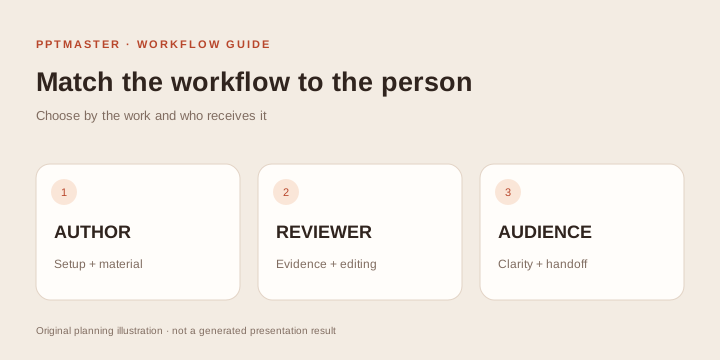
01 · CHOOSE
Check the editing, source-review and setup responsibilities before you choose an Agent workflow.
Who should use PPT Skills? →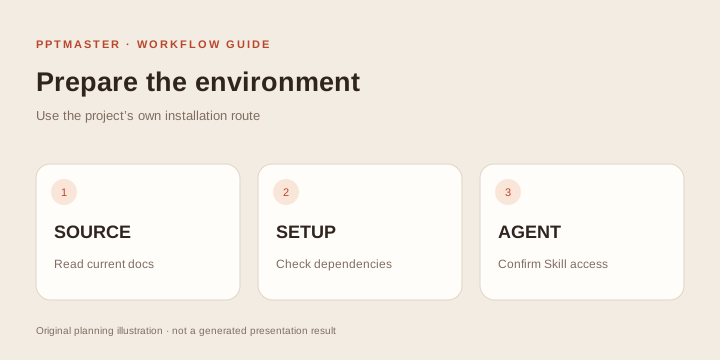
02 · SET UP
Follow the HTML exercise from plugin installation and a sample source brief to local preview and file checks.
Follow the HTML setup tutorial →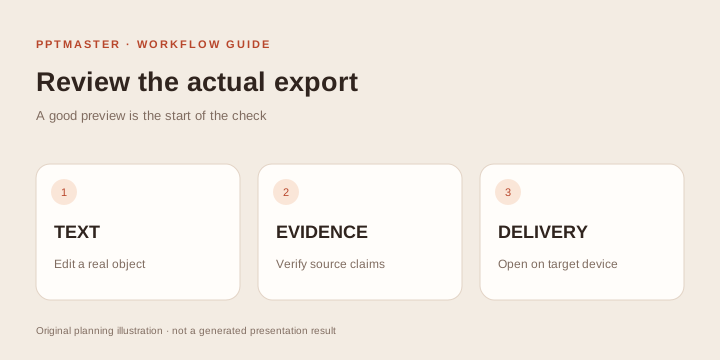
03 · CREATE & REVIEW
Follow the separate open-source PPT Master Skill walkthrough for Python setup, source material and PPTX review.
Install PPT Master and prepare a PPTX →Use cases & audiences
The right choice depends on the material, the audience and the final handoff.
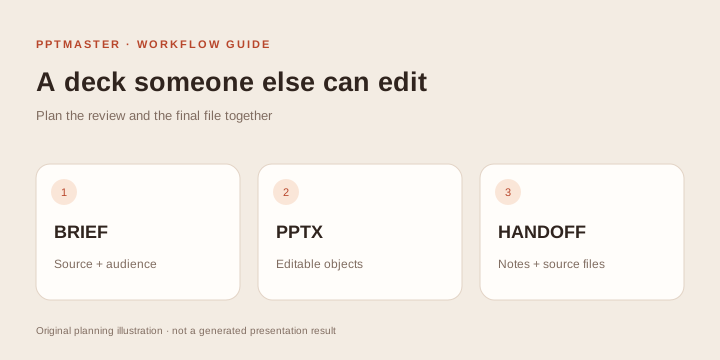
Check editable objects, company templates and a traceable handoff before building a client deck.
Explore editable deck workflows →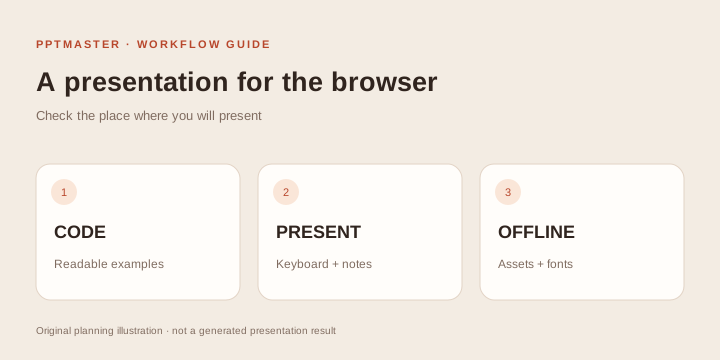
Compare code blocks, browser presentation, speaker controls and offline delivery for your next talk.
Find your presentation route →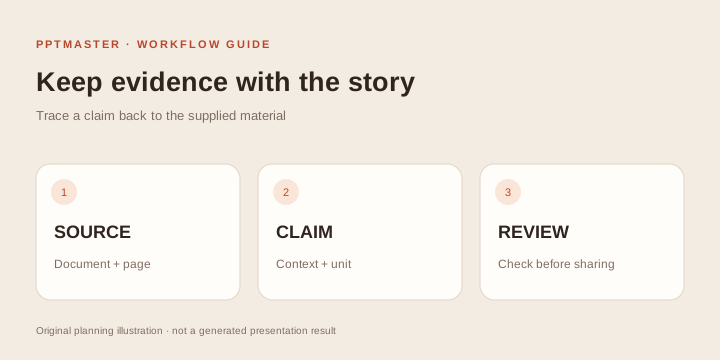
Keep qualifications and citations with the source. Review diagrams and notes against what you teach.
Read the use-case guide →FAQs
The registry also contains frameworks, template libraries, image workflows and multi-skill collections. Use the workflow filters to see the type. Each entry links to its own repository and setup documentation.
This directory helps you choose an external workflow and prepare a brief. Install and run a project in its supported Agent or local environment. PPTMaster online is a separate PDF-to-PPTX service with six fixed styles and a six- or eight-slide output.
A project preview illustrates its intended design. Stars reflect repository interest at a dated snapshot, and shared repositories can count a whole collection. Test a small example in your environment, then inspect the actual exported file.
A capability marked documented was identified in project documentation by the upstream registry. It has not been verified by running all projects here. Not documented means the evidence is missing, not that a feature is unsupported. Filters return positive documentation matches only.
The catalog adapts many-ppt-skills by its contributors under CC BY 4.0. The 227-entry source snapshot was checked on October 18, 2026; repository statistics were last refreshed upstream on September 4, 2026. Gallery examples belong to their credited projects. Each project has its own license.
Prefer an online workflow?
PPTMaster online summarizes a supported text PDF into six or eight cited slides in a fixed style. Use its separate PDF workspace when that is the deliverable you need.
Create slides from your PDFPPTMaster online tutorial →Online PDF briefing use cases →Who the online service fits →
Catalog adapted from many-ppt-skills by its contributors under CC BY 4.0. Changes: English browsing interface, filters, prompts and original guides. Source snapshot checked October 18, 2026; stats refreshed September 4, 2026. The original source categories contain 79 PPTX, 83 HTML, 25 dual-format, 12 framework, 8 template, 9 collection and 11 image entries. Filters apply four documented output corrections: Frontend Slides Editable is HTML-only; Powerpoint Fancy Design, HTML to PPT PDF and TEKION Slide Generator produce image-based PPTX. All 227 entries are retained, including 3 unavailable public URLs; 5 redirecting repository links use their checked destinations. Each linked project retains its own license.