

Skip to content

AI Slides Generator

AI slides generator with a clear slide count

Upload a text PDF and choose English or Chinese and 6 or 8 slides. The initial release uses a fixed 16:9 template with editable text, a data table and source references. Use a PDF with selectable text; DOCX files, scans and custom templates are not supported.

PDF to PowerPoint workspace

One text PDF · up to 10 MB / 20 source pages · 6 or 8 slides · English or Chinese

Start with a document you can check

Sign in to upload your source PDF, choose the PDF language and select six or eight slides. Your generated deck appears separately from the public example on the right.

Input
A text PDF with selectable text. Scans and password-protected PDFs are not supported.
Output
A fixed 16:9 PPTX with native text, a source-reference table and source references.
Price
$4.90 for one successful deck, or $12.90 for three. Failed or rejected jobs return their allowance.
Sign in to use the converter
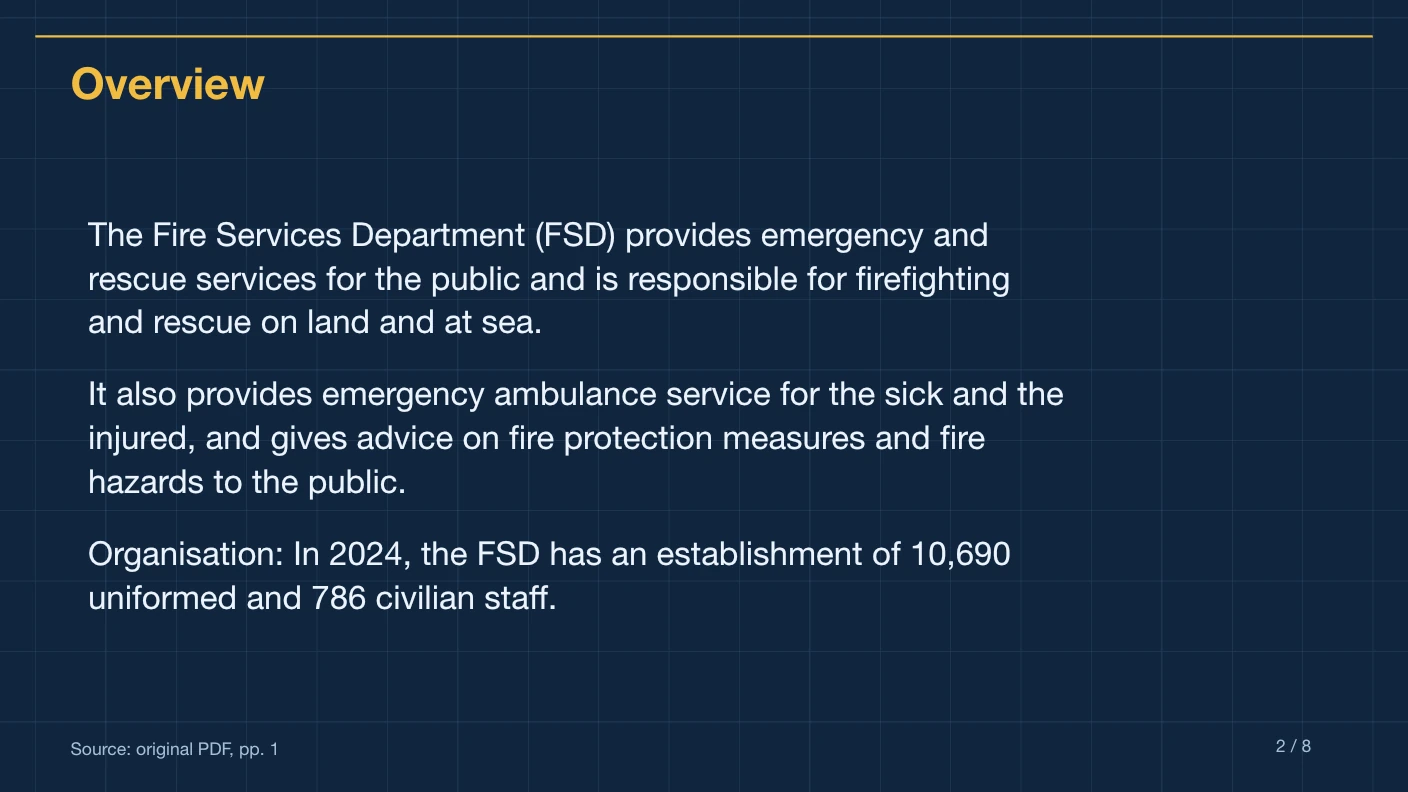
Technical Blueprint English Fire Services summary with editable text and original PDF page references

Website export example · Technical Blueprint

An eight-slide English summary of the public Fire Services factsheet. Your uploaded PDF creates a separate presentation.

Native text and table, on-slide references and source excerpts in notes. Choose a different style in the workspace before generating.

Plan a six-slide or eight-slide AI summary

The AI slides generator creates a defined number of native PowerPoint slides from one text PDF. Choose the slide count for the depth of your briefing, then review the balance between topics.

Choose six slides for a short briefing

Six slides suit a narrow topic and a small number of findings. The title and source-reference table are part of the selected total. Use the optional instructions to identify the most relevant source-supported themes.
Choose eight slides for more topic coverage

Eight slides allow more room for separate themes, but still require summarization. A longer deck is not a guarantee that every source detail will appear. Check the downloadable example to see how the fixed structure is used.

Check the presentation language

Select English or Chinese before submission. The selected source excerpts retain their original wording; translation is not included. Check proper names, technical terminology and numerical qualifiers against the PDF.

Optional instruction to adapt

Suggested wording for your own PDF; this is not the instruction used to create the example.

Focus the slides on the report’s main results and outlook. Keep each slide on one theme and retain qualifications on forecasts and year-on-year comparisons.

Compare the one-time generation packages and inspect the English and Chinese website export examples before submitting.

Read the PDF preparation guide and the source citation review guide for the final checks.

For the source limits, see document preparation; for the conversion process, see PDF to PowerPoint. Review how files are processed before uploading sensitive material.

Technical Blueprint website export with editable English text and a PDF source citation
Website export preview in Technical Blueprint, using a reviewed English PDF. Your uploaded document creates a separate result.

Choose an AI slide count that fits your explanation

A useful AI slides generator needs a clear content budget. Six and eight are total slide counts here, including the cover and final metric table. Use the remaining topic pages to explain a focused message, then edit the deck for your delivery instead of relying on the PDF’s original page order.

A short update with a narrow scope

Choose six slides

One cover, four topic pages and one metric table.

More distinct topics need room

Choose eight slides

One cover, six topic pages and one metric table.

A document has fewer than six meaningful topics

Keep the source focused

A larger count is not automatically better; choose six and identify the useful themes.

You need a different language for your audience

Select English or Chinese

Check translated terminology, names and numeric qualifiers in the exported result.

Choose the briefing you need

A short team update

Use six slides for a document with a small number of meaningful themes. Ask the AI slides generator to focus on the main results, supporting context and stated risks. The cover and table are included in the count, so do not plan six additional content pages. Once downloaded, remove speaking material from the screen and put your own elaboration in notes.

A broader review

Choose eight slides when separate themes would become crowded in a shorter deck. Each topic page still has a defined text budget, and the generator selects rather than transcribes the source. Check whether two slides repeat the same point and whether a qualification belongs beside the number it explains. More slides should create a clearer sequence, not just more text.

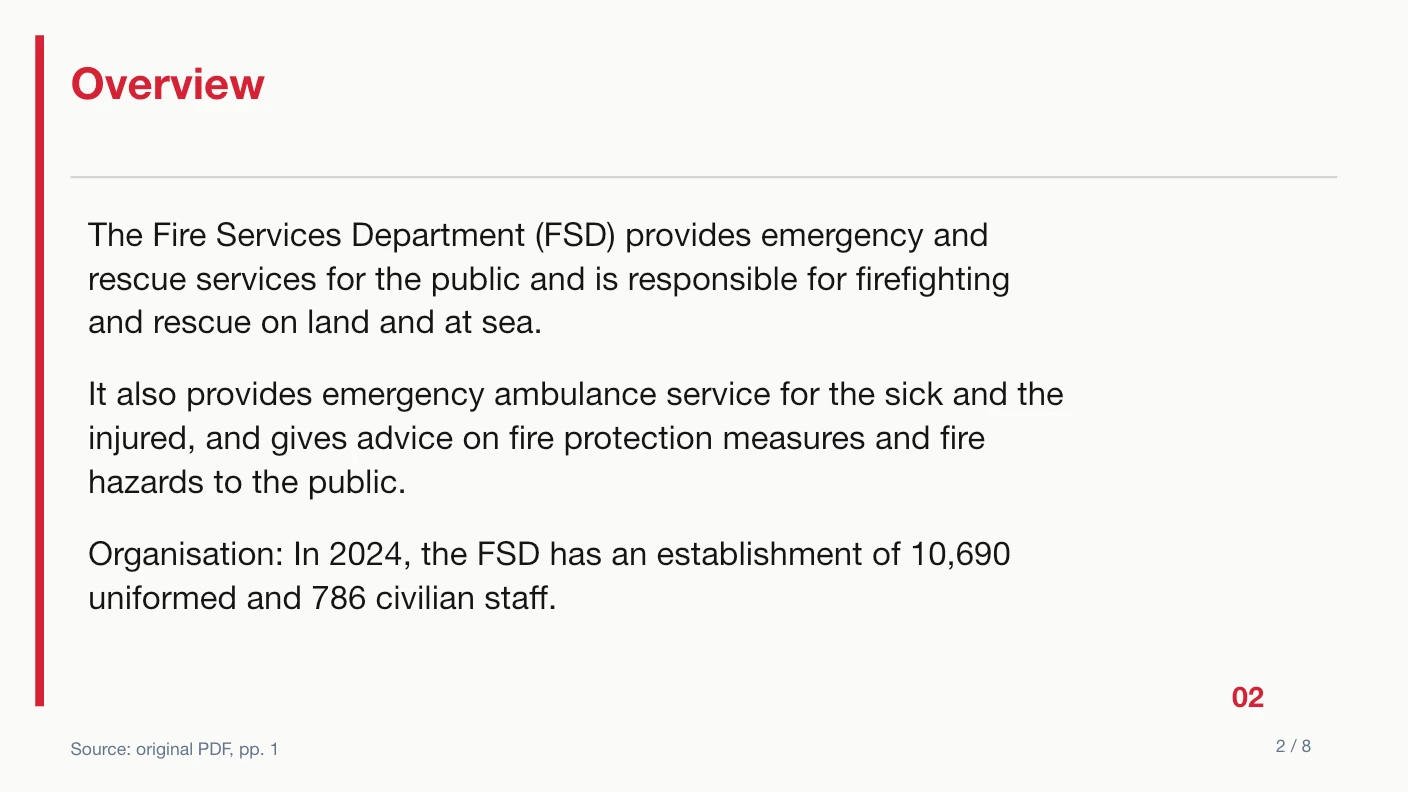
Native swiss template showing editable English summary text and an on-slide PDF source reference
Website template export preview using the reviewed Fire Services source. This demonstrates the layout, not the subject of your next presentation.

Before you upload

  1. 1Choose six or eight total slides before generating.
  2. 2Prioritize topics present in the source instead of requesting a fixed generic outline.
  3. 3Select the output language deliberately.
  4. 4Choose an available template and inspect its native export preview.

Before you present

  1. 1Count the downloaded slides, including the first and last pages.
  2. 2Check that each topic slide has a distinct purpose.
  3. 3Verify translated proper names and technical terminology.
  4. 4Review the table labels so that different measures remain clearly separate.

If the result needs another pass

The summary leaves out secondary material

Use eight slides when the source supports more themes, or add the detail manually after export. Extra slide count cannot make unsupported content valid.

The title or bullets are too long

The service applies length checks before export. For later edits, keep wording concise and check the slide visually in the presentation editor you use.

The output has a table but no chart

That is intentional for metrics with different meanings or bases. A shared percent sign alone does not make measures comparable.

Compare the six export templates before submitting, read the one-time pricing, or use the PDF to PowerPoint workflow for the conversion steps. If your material starts in another editor, check document preparation first.

Why PPTMaster

An AI slide maker that hands you the file

Choose six or eight slides in a fixed template. Review the native text, source references and metric table after export.

Cited summaries

Source page references on slides and supporting excerpts in notes help you check important claims.

Editable source table

Original source excerpts and physical PDF page numbers appear in a native PowerPoint table. Complex PDF charts and artwork are not reconstructed.

Editable text

Headings and summary text remain native PowerPoint objects, ready for review and revision.

Defined input limits

One English or Chinese text PDF, up to 10 MB and 20 pages, summarized into exactly 6 or 8 slides.

FAQ

AI slides generator questions

Create an editable presentation with PPTMaster

Create a concise, cited summary in a fixed template, then review and edit the PPTX.