

Skip to content

AI Presentation Generator

AI presentation generator for your PDF reports

Upload a text PDF and choose English or Chinese and 6 or 8 slides. The initial release uses a fixed 16:9 template with editable text, a data table and source references. Use a PDF with selectable text; DOCX files, scans and custom templates are not supported.

PDF to PowerPoint workspace

One text PDF · up to 10 MB / 20 source pages · 6 or 8 slides · English or Chinese

Start with a document you can check

Sign in to upload your source PDF, choose the PDF language and select six or eight slides. Your generated deck appears separately from the public example on the right.

Input
A text PDF with selectable text. Scans and password-protected PDFs are not supported.
Output
A fixed 16:9 PPTX with native text, a source-reference table and source references.
Price
$4.90 for one successful deck, or $12.90 for three. Failed or rejected jobs return their allowance.
Sign in to use the converter
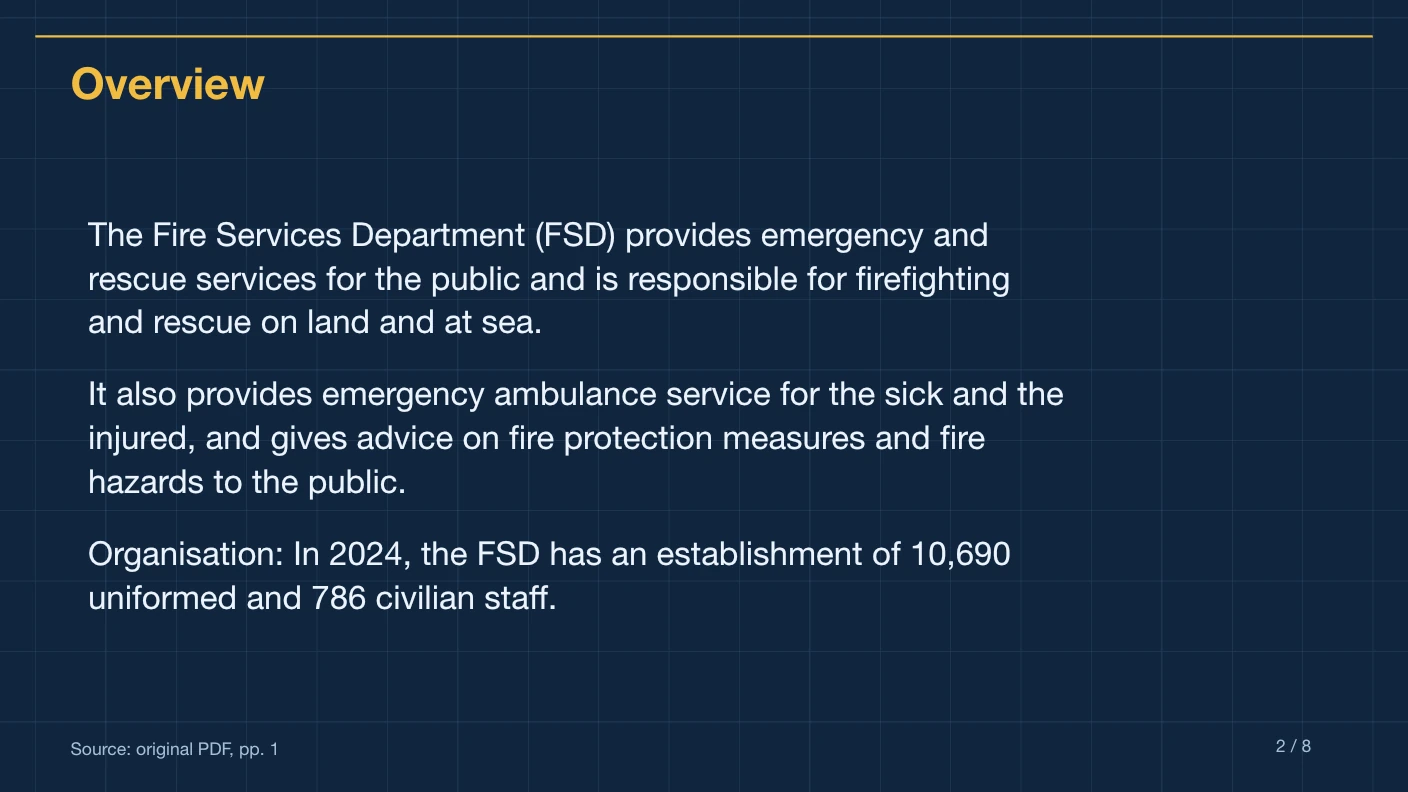
Technical Blueprint English Fire Services summary with editable text and original PDF page references

Website export example · Technical Blueprint

An eight-slide English summary of the public Fire Services factsheet. Your uploaded PDF creates a separate presentation.

Native text and table, on-slide references and source excerpts in notes. Choose a different style in the workspace before generating.

Give the AI presentation generator a source and an audience

This AI presentation generator starts from an existing PDF. It helps turn documented material into a presentation draft whose main claims can be checked against the source.

Start with a focused document

Use a report or briefing that contains the facts you want to present. Keep the source under twenty pages and ten megabytes. The generator does not browse the web for extra facts or turn an unsupported topic into researched evidence.
Describe the intended reader

Optional instructions can explain whether the audience is a management team, a class or a general reader. Ask for emphasis on content already present in the PDF, rather than new statistics or invented recommendations.

Finish the argument yourself

A generated structure is a starting point. Check whether the order supports your message, then edit the slide titles and wording in your presentation editor. Add your own brand assets after downloading.

Optional instruction to adapt

Suggested wording for your own PDF; this is not the instruction used to create the example.

Create a concise briefing for colleagues who have not read the report. Explain the central findings in plain language and retain important caveats from the source.

Compare the one-time generation packages and inspect the English and Chinese website export examples before submitting.

Read the PDF preparation guide and the source citation review guide for the final checks.

For the source limits, see document preparation; for the conversion process, see PDF to PowerPoint. Review how files are processed before uploading sensitive material.

Technical Blueprint website export with editable English text and a PDF source citation
Website export preview in Technical Blueprint, using a reviewed English PDF. Your uploaded document creates a separate result.

Give the AI presentation generator a clear communication job

An AI presentation generator is most useful when the source, audience and goal are explicit. Here the source is one PDF, not a blank prompt. You choose a visual style, English or Chinese output, and six or eight slides; the generator condenses the material and checks displayed claims against that document.

Brief colleagues on an existing document

Upload a focused report

Ask for the main findings and source-supported limitations.

Create a researched deck from a one-line idea

Prepare the research first

The generator does not browse for additional facts or fill missing evidence.

Explain technical material to a broad audience

Describe the reader in your instruction

Ask for clear wording while preserving names, units and important qualifications.

Apply a finished company identity

Edit the downloaded PPTX

Six provided styles are available; logo import and custom brand-template upload are outside this release.

Choose the briefing you need

A decision meeting

Use a document that includes both results and limitations. Tell the AI presentation generator which decision the audience is preparing for, but ask it to summarize the document rather than invent an answer. Review the final sequence: each topic should contribute to the discussion, and recommendations you add yourself should remain distinguishable from quoted source facts.

An introductory briefing

For readers who have not seen the PDF, specify their level of familiarity and explain which terminology matters. A short, coherent source is easier to brief than a collection of unrelated attachments. After export, check proper nouns and specialist terms, then adapt the pace and speaking notes to the time you have available.

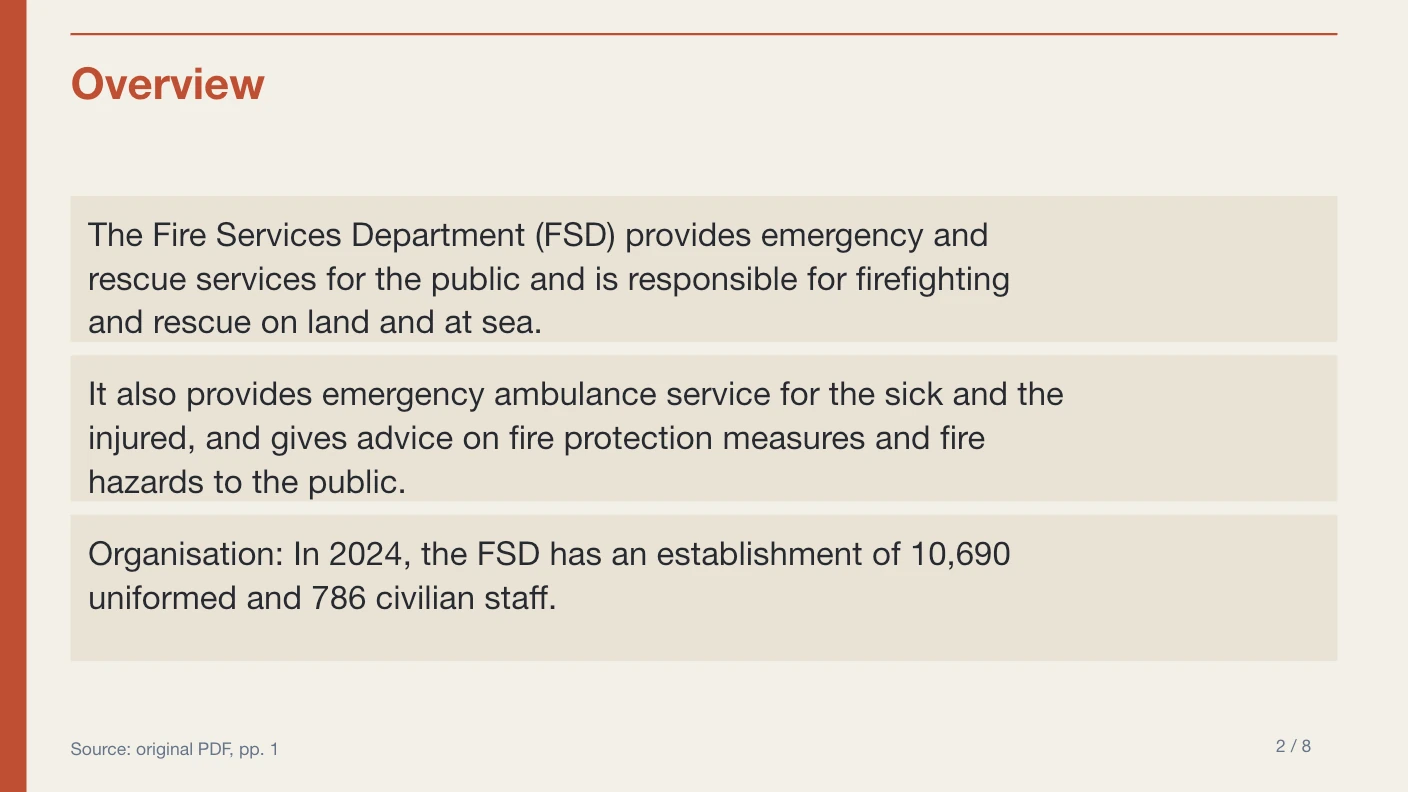
Native editorial template showing editable English summary text and an on-slide PDF source reference
Website template export preview using the reviewed Fire Services source. This demonstrates the layout, not the subject of your next presentation.

Before you upload

  1. 1Identify the intended audience in one sentence.
  2. 2State the source-supported themes you want emphasized.
  3. 3Choose a text PDF that contains the necessary evidence.
  4. 4Select the visual style for the meeting context, not for a promise of different AI capability.

Before you present

  1. 1Make sure the cover identifies the actual source.
  2. 2Check whether the order supports your audience’s goal.
  3. 3Retain uncertainty, forecasting language and other qualifications.
  4. 4Revise the native slide text rather than replacing it with screenshots.

If the result needs another pass

The instruction asks for facts missing from the PDF

Add a better source document first. The current generator is not a research service and should not invent market statistics or recommendations.

The wording feels too specialized

Describe the audience more precisely in a future request. For the current result, edit the exported text and check that simplifying it does not change the source meaning.

The deck is too brief for a complex report

Eight slides provide more topic slots than six, but still require selection. Use the PDF for detailed supporting material rather than treating the deck as a complete archive.

Compare the six export templates before submitting, read the one-time pricing, or use the PDF to PowerPoint workflow for the conversion steps. If your material starts in another editor, check document preparation first.

Why PPTMaster

A presentation draft you can check and revise

Keep the original report connected to its summary through on-slide page references and supporting passages in speaker notes.

Cited summaries

Source page references on slides and supporting excerpts in notes help you check important claims.

Editable source table

Original source excerpts and physical PDF page numbers appear in a native PowerPoint table. Complex PDF charts and artwork are not reconstructed.

Editable text

Headings and summary text remain native PowerPoint objects, ready for review and revision.

Defined input limits

One English or Chinese text PDF, up to 10 MB and 20 pages, summarized into exactly 6 or 8 slides.

FAQ

AI presentation generator questions

Create an editable presentation with PPTMaster

Create a concise, cited summary in a fixed template, then review and edit the PPTX.