

Export a clean text PDF
If your document begins in Word or another editor, export it as a PDF with selectable text. Direct DOCX uploads, slide uploads and web links are outside the current input scope. Review the PDF before uploading it.
Document to PPTX
Upload a text PDF and choose English or Chinese and 6 or 8 slides. The initial release uses a fixed 16:9 template with editable text, a data table and source references. Use a PDF with selectable text; DOCX files, scans and custom templates are not supported.
One text PDF · up to 10 MB / 20 source pages · 6 or 8 slides · English or Chinese
Sign in to upload your source PDF, choose the PDF language and select six or eight slides. Your generated deck appears separately from the public example on the right.
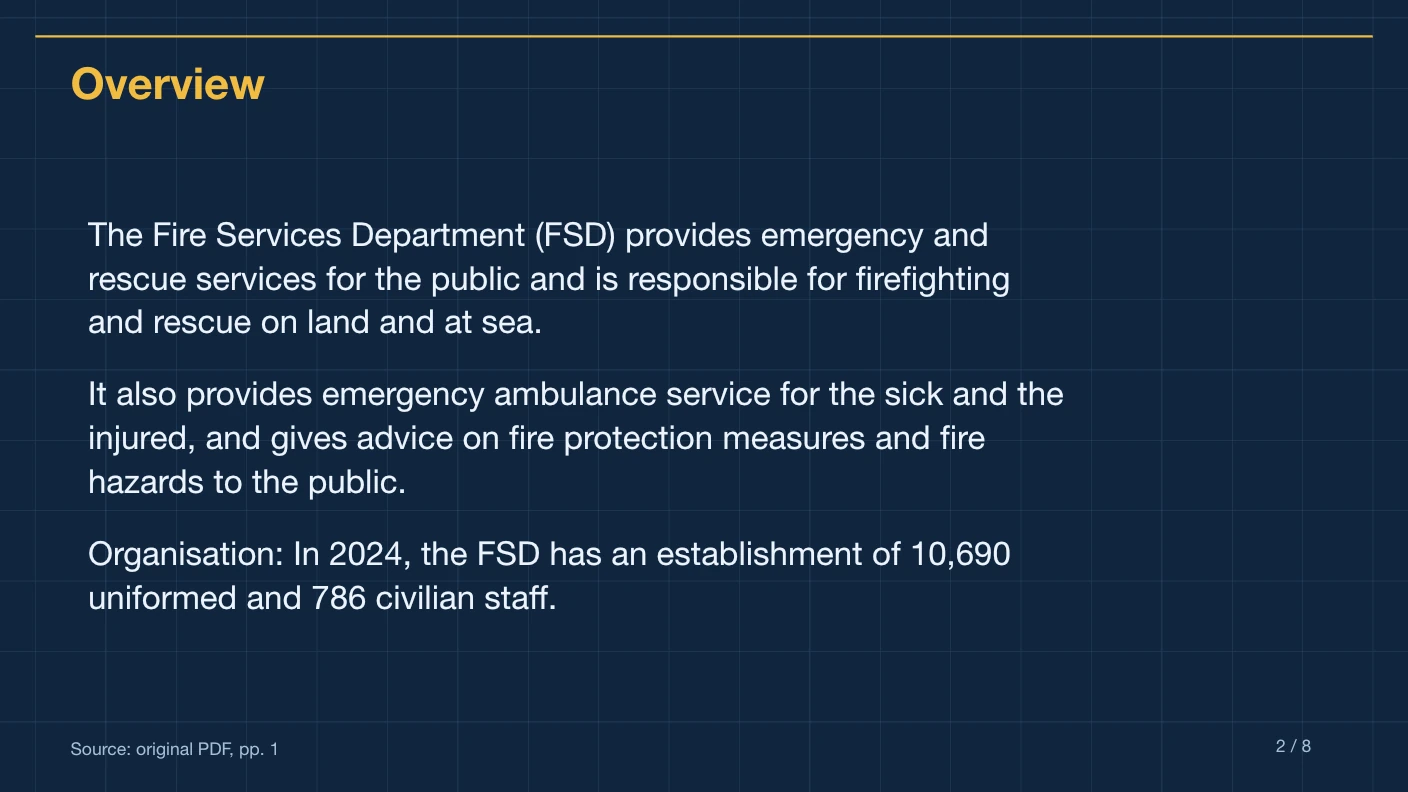
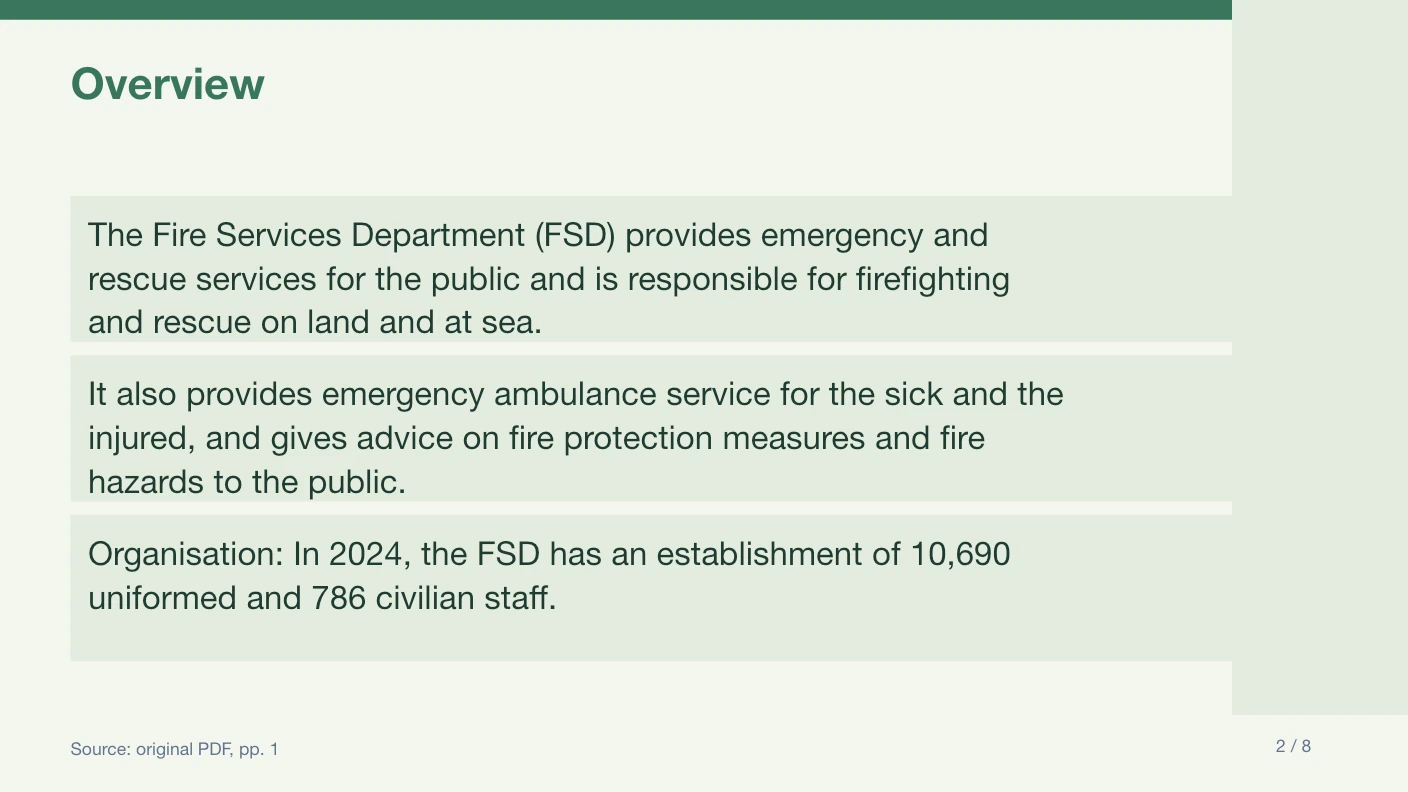
Website export example · Technical Blueprint
An eight-slide English summary of the public Fire Services factsheet. Your uploaded PDF creates a separate presentation.
Native text and table, on-slide references and source excerpts in notes. Choose a different style in the workspace before generating.
The document to PPTX workflow currently accepts text PDFs. Start with a final PDF export of your report, then create a shorter presentation with editable text and a native table.
If your document begins in Word or another editor, export it as a PDF with selectable text. Direct DOCX uploads, slide uploads and web links are outside the current input scope. Review the PDF before uploading it.
Upload one PDF up to ten megabytes and twenty source pages. Combine or shorten material in your own editor first if necessary. Check that page numbers and context remain clear in the final source.
The output is not a document archive. It condenses the material into six or eight fixed-template slides. Keep the original PDF alongside it for detailed reading and use the slide citations to return to the full passage.
Suggested wording for your own PDF; this is not the instruction used to create the example.
Turn this document into a concise presentation for a project review. Preserve the main results, time periods and qualifications, and focus on facts supported by the attached PDF.
Compare the one-time generation packages and inspect the English and Chinese website export examples before submitting.
Read the PDF preparation guide and the source citation review guide for the final checks.
For the source limits, see document preparation; for the conversion process, see PDF to PowerPoint. Review how files are processed before uploading sensitive material.
Document to PPTX is a presentation task, not a file-extension rename. The supported input is a PDF with a text layer. If you start in a word processor, export and inspect that PDF first. PPTMaster then creates a shorter, editable briefing from the content that survives in the uploaded document.
Upload it directly
Keep the title, periods, units and context intact.
Export a text PDF first
Direct DOCX upload is not currently supported.
Prepare one coherent PDF
Only one source file is accepted per job.
Keep the original document
The PPTX is a six- or eight-slide summary, not a lossless document conversion.
Export the reviewed version of your project report as a PDF with selectable text. Check that the PDF includes the date, results, scope boundaries and supporting figures. Give the document to PPTX workflow a specific audience and priority. After export, separate your own follow-up actions from claims actually stated by the report.
Use a coherent section that fits the source limits and retains the definitions its claims depend on. Removing a table header to reduce the file can make the remaining numbers ambiguous. Prefer a shorter but complete source over a disconnected set of pages, and keep the original accessible to readers who need the detailed wording.
Export the document to a supported text PDF. Direct document-editor formats and URL ingestion are not part of the current contract.
Repair the source export before generating. A readable visual appearance does not guarantee that the PDF exposes usable text.
Prepare a shorter coherent PDF in your own editor. Preserve important context when selecting pages; do not remove qualifications just to fit the limit.
Compare the six export templates before submitting, read the one-time pricing, or use the PDF to PowerPoint workflow for the conversion steps. If your material starts in another editor, check document preparation first.
Why this document to PPTX
Summarize a supported PDF into native text and a data table, then review the cited source pages.
Source page references on slides and supporting excerpts in notes help you check important claims.
Original source excerpts and physical PDF page numbers appear in a native PowerPoint table. Complex PDF charts and artwork are not reconstructed.
Headings and summary text remain native PowerPoint objects, ready for review and revision.
One English or Chinese text PDF, up to 10 MB and 20 pages, summarized into exactly 6 or 8 slides.
FAQ
This document to PPTX workflow accepts one text PDF. DOCX, image files, existing PPTX uploads and web links are not accepted inputs.
One PDF is accepted per job. Prepare a coherent source document first and preserve the context needed to interpret its claims.
No. It summarizes the document into the selected six- or eight-slide native template.
Private website downloads are available for seven days. Download the PPTX and keep your original source document for longer-term use.
One English or Chinese text PDF, up to 10 MB and 20 source pages, summarized into exactly 6 or 8 slides in a fixed 16:9 template. OCR, custom templates, original-layout reconstruction and merged shareholder tables are outside this initial scope.
The exported PPTX contains native text boxes and a native data table. Source page references appear on slides, with supporting excerpts in speaker notes. Complex charts and original PDF artwork are not reconstructed.
One-time presentation packs cost $4.90 for one, $12.90 for three, $39.90 for ten or $89.90 for twenty-five. Monthly and annual plans provide a monthly allowance of 3, 8 or 18 presentations. Pack allowance does not expire; unused subscription allowance expires each month. See Pricing for billing totals and cancellation terms. A failed job returns its reserved allowance with its original expiry.
The service checks source references, numbers, page count and text length, then uses a separate source-only AI review. Uncertain or conflicting claims block export. AI review is imperfect; check the cited source before using a deck for important decisions.
The initial service uses Sonnet 4.6 through EvoLink for content and factual review. PowerPoint layout and export use a fixed template rather than an open-ended agent.
Uploaded files are stored privately and processed on our service. Extracted PDF text is sent to EvoLink for model processing. The website sends your private PDF directly to the conversion service; downloads require owner access. Source PDFs are scheduled for deletion after 24 hours and generated files after seven days; see the Privacy Policy for cleanup timing.
Create a concise, cited summary in a fixed template, then review and edit the PPTX.